Half Your System Prompt Isn't Doing Any Work
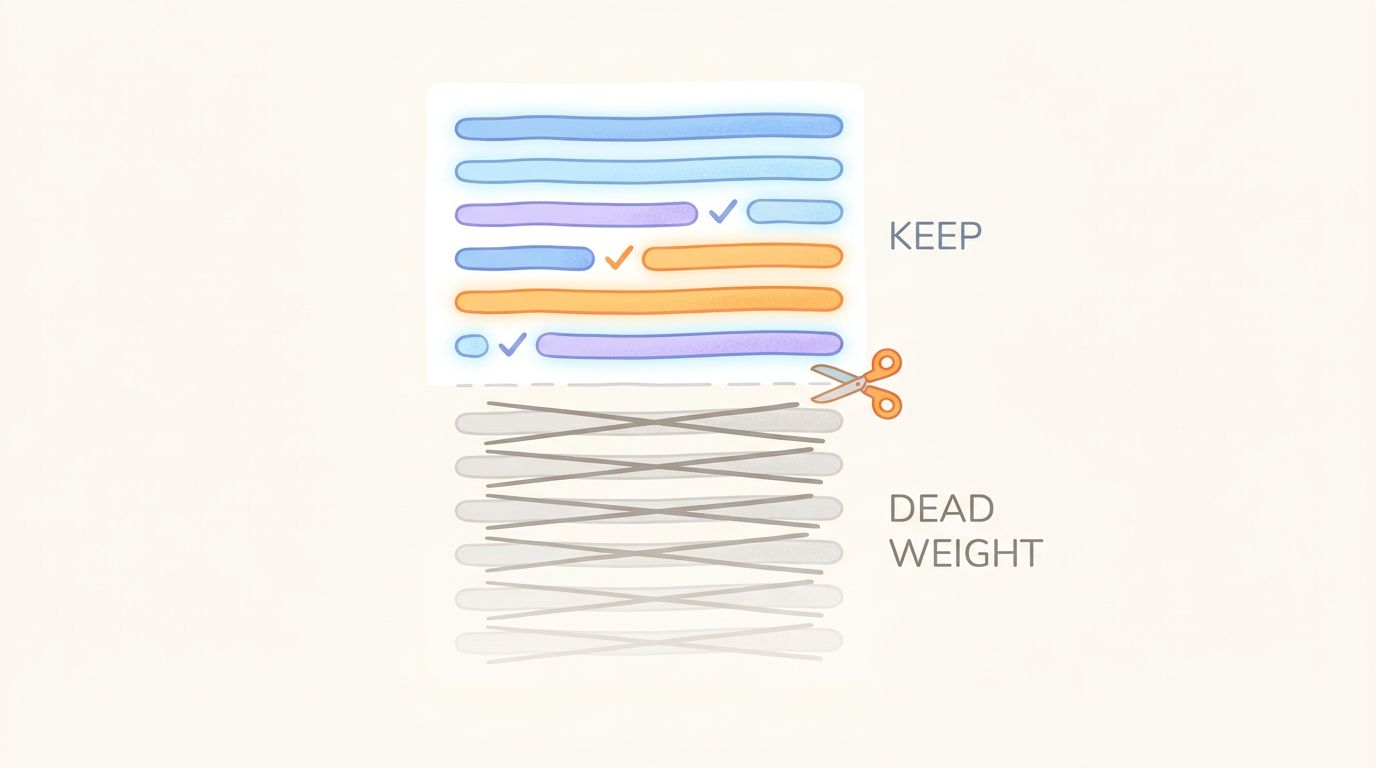
A system prompt is the one part of an agent that only ever grows. Every incident adds a warning. Every weird edge case adds a clause. Someone says “just add a line telling it not to do X” and a paragraph goes in that nobody ever takes out. Six months later the prompt is 4,000 tokens, half of it is scar tissue from bugs you already fixed a different way, and you are paying for all of it on every single call. Not once. On every turn of every session for as long as that agent runs.
That is the part builders underrate. A bloated function runs slow once. A bloated system prompt bills you again every time the agent thinks. If your prefix isn’t cached, the full text is priced at the normal input rate on every call. If it is cached, you still pay the cache-read rate on every call, and you pay to re-write the cache whenever the prompt changes. Either way, dead tokens are a recurring line item, and the recurrence is what makes a 1,500-token block of stale instructions add up to real money across a month of traffic.
What “not doing any work” actually means
Not every long prompt is bloated. A 4,000-token prompt that is dense with instructions the model actually uses is fine. The problem is the prompt where a big chunk of the text no longer changes the output. The model would produce the same response with or without those tokens, so you are renting space in the context window and getting nothing back.
The hard question is which tokens those are. You cannot eyeball it. The instruction you wrote at 2am after an incident feels load-bearing because you remember the incident. The model may be ignoring it entirely. What you want is a per-token score: for each token in the prompt, how much does it contribute to the response?
That is exactly the question LLMLingua-2 was built to answer. Microsoft’s ACL 2024 work reframes prompt compression as token classification. You train a BERT-class model, distilled from GPT-4’s judgments, that labels each token as keep or drop by how much it carries. It runs on CPU. The model is MIT-licensed, and it was built for precisely this: finding the tokens you can remove without measurable quality loss.
tj optimize trim runs that scorer against your own prompts and hands you back the low-significance tokens. Instead of guessing, you get to see the sections the model treats as filler and the sections it treats as signal.
Setting it up
The flow, start to finish:
# 1. Install TokenJam (base package)
pipx install tokenjam

# 2. Add the bloat extra for LLMLingua-2 (about 2GB, includes PyTorch)
pip install "tokenjam[bloat]"

# 3. Turn on content capture in your TokenJam config
#    alerts.include_captured_content: true

# 4. Run your agent for a while so TokenJam has real prompts to look at,
#    then score them
tj optimize trim
The command is tj optimize trim, positional, no flags. It reads the prompts TokenJam has captured, runs the significance scorer against them, then shows you the low-significance spans it found. From an MCP client, the read-only get_optimize_report surfaces the same findings if you want them inline in an agent session. The scoring itself is still a CLI operation.
One ordering note: capture has to be on before the traffic you want to analyze runs. TokenJam can only score prompts it actually stored, so flip the config on, let a representative batch of real sessions flow through, then run Trim against that window. Turning capture on and immediately running Trim gives it nothing to work with.
The output is a suggestion, not a patch
Trim does not edit your prompt. It shows you which tokens scored low and leaves the decision to you, and that separation is deliberate.
A low significance score is evidence, not a verdict. LLMLingua-2 is telling you the model’s response was largely insensitive to those tokens across the prompts it saw. That is a strong hint the text is dead weight. It is not proof that the clause is safe to delete in every case, especially for a safety instruction or a compliance line that fires rarely but matters enormously when it does. The scorer sees typical behavior. It cannot see the once-a-month edge case that clause exists to catch.
So the workflow is: Trim flags, you judge, you cut, you re-test. A trimmed prompt is a changed prompt, which means it is a behavior change and has to be validated like one. Cut the spans you are confident about. Run your eval set or your smoke tests and confirm the agent still does the thing the removed text was there to guarantee. Trim tells you where the fat probably is. Your test suite tells you whether cutting it broke anything.
Done that way, the payoff compounds in the right direction. You spend a few minutes reviewing scores and re-running tests once, and every call after that carries a lighter prefix. The savings recur exactly the way the waste did.
For the broader picture of where agent spend concentrates, see where your agent bill actually goes and the foundations of agent token economics.
Common questions
- Why can't I just run tj optimize trim after installing tokenjam?
- Two things are missing on a default install. First, the scorer itself: Trim runs LLMLingua-2, which depends on PyTorch and a BERT-class model, roughly 2GB of extras we keep out of the base package. Install them with pip install 'tokenjam[bloat]'. Second, the prompt text: Trim scores the actual words. TokenJam does not capture prompt content by default, for privacy reasons. Set alerts.include_captured_content: true in your config and let some real traffic run so there are prompts to score. With the extra installed and capture on, tj optimize trim works.
- Does my prompt text get sent anywhere when I run Trim?
- No. That is the whole reason for the 2GB download. LLMLingua-2 runs locally on your CPU, so the scoring happens on your machine and your prompt text does not go to an external API. Content capture also stays local, stored by your TokenJam install. The heavy local model is the cost of not shipping your prompts somewhere to score them.
- Is a low significance score a green light to delete the line?
- No, treat it as a flag to review. A low score means the model's output was largely insensitive to those tokens across the prompts TokenJam saw. That is a strong hint the text is dead weight, but the scorer only sees typical behavior. It cannot see the rare edge case a safety or compliance clause exists to catch. Cut what you are confident about, keep the load-bearing rare-path instructions, and re-test either way.
- How much of a typical system prompt is actually dead weight?
- It varies with how the prompt was built. Prompts that accumulated one incident-driven paragraph at a time, with nothing ever removed, tend to carry the most filler. Prompts written and pruned deliberately carry much less. Rather than guess a percentage, run the scorer on your own prompt: the point of Trim is that you stop estimating and see which spans score low on your actual text.
- I trimmed my prompt and now the agent misbehaves on one flow. What happened?
- You most likely cut a rare-path instruction that the scorer rated low because it almost never fires in normal traffic. Significance is measured over the prompts that were captured, so an instruction guarding a once-a-month case looks like filler most of the time. Put that clause back and re-run your tests. This is exactly why Trim suggests rather than auto-edits, and why re-testing after any cut is part of the workflow.
- Can I get Trim findings inside an agent session over MCP?
- You can read them. The MCP surface exposes get_optimize_report, which is read-only and returns the optimization findings, including Trim's, so an agent can see them inline. The scoring run itself is the tj optimize trim CLI command. MCP reads the report; the CLI produces it.